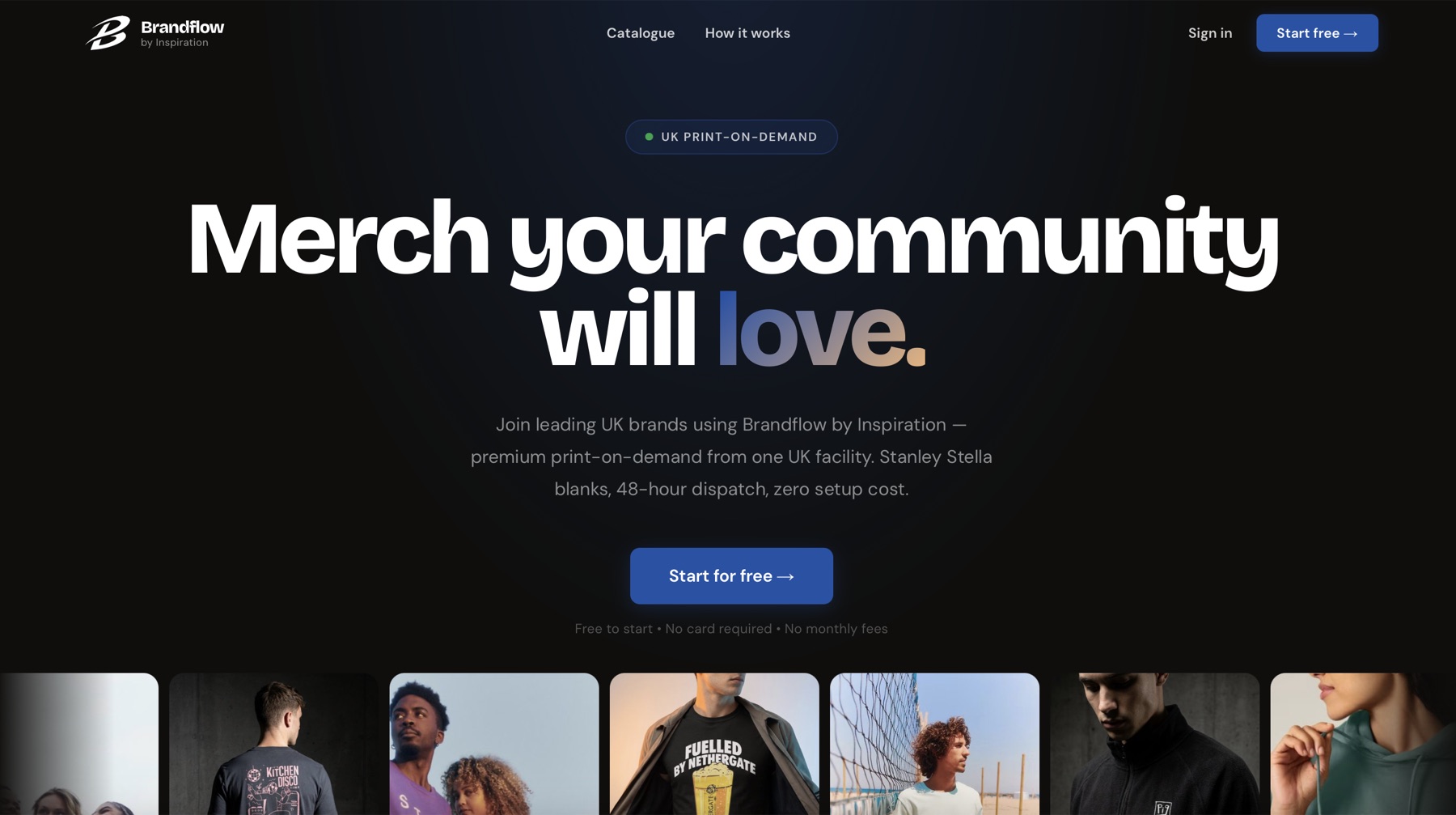
We designed and built an entire print-on-demand SaaS for Inspiration — brand, two portals, an in-browser product designer, and every line of the engineering behind it.
Inspiration runs a UK print-on-demand factory. They came to us with a decade-old .NET site that couldn't onboard merchants self-serve, and a market full of indie brands quoting £400 setup fees from rival suppliers.
The brief was to design and build the answer. A SaaS front door that turns the factory into a self-serve product — a place a brand can land, design real garments, connect their store, and start selling without a single phone call. We took it end-to-end: identity, UX, both portals, the in-browser designer, the store integrations and every line of code underneath.
A custom in-browser product editor with two modes — simple for the merchant with one logo, full pro tools for the merchant who is the designer. Same canvas, same artwork, same save button.
One-click OAuth into Shopify, REST keys into WooCommerce, behind one publish button. Listings, variants, per-colourway photography and pricing — all generated by us, all pushed live in seconds.
Webhook ingestion, order routing, hand-off to Inspiration's UK fulfilment floor. Every order from every connected store, flowing into one queue — printed, packed and dispatched in 48 hours.
We started with the name. UK indie brands shouldn't need a warehouse, a screen printer's lead time and a £400 setup quote just to drop a tee. The promise we wanted to bake in was simple — remove every hurdle between an idea and a live product.
So we said it back in the name. Brand — what they already have. Flow — what we designed the platform to give them. Upload a logo at 10am, ship orders by Friday. No minimums, no friction, no stock to sit on.
We drew the wordmark to hold the same idea visually — a single, looping B that never lifts the pen.

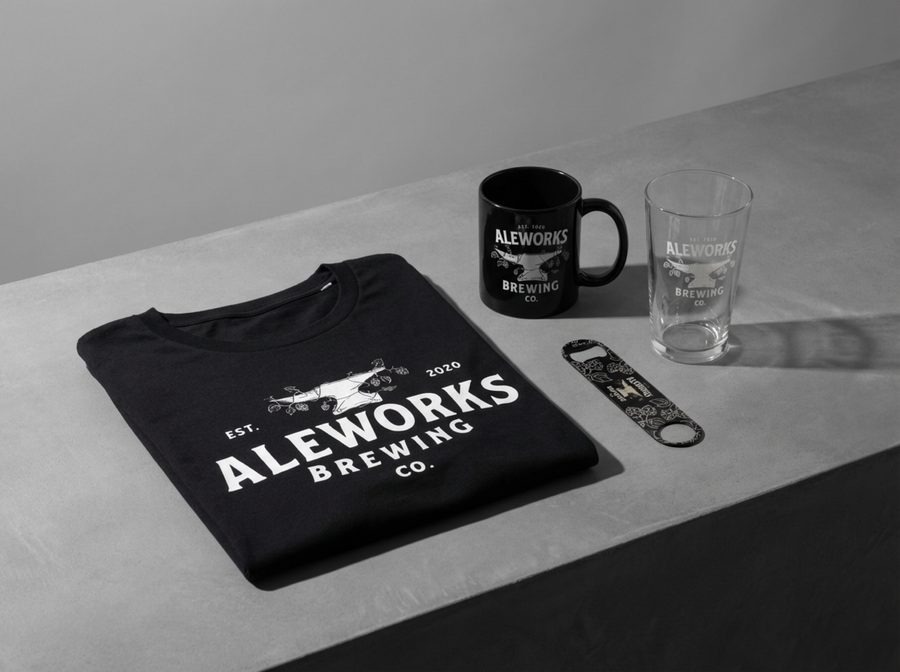
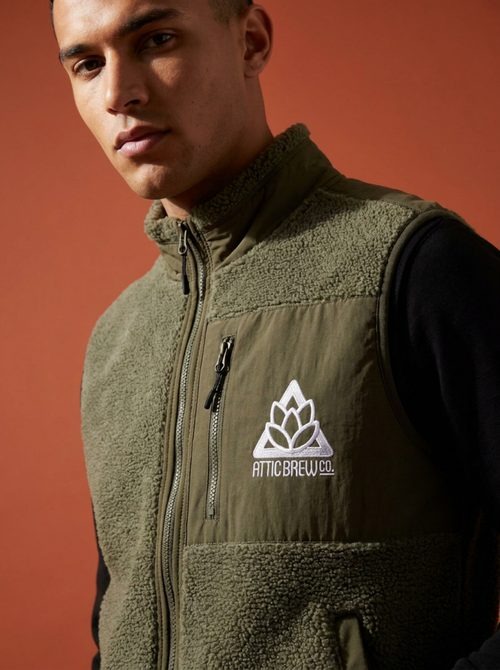
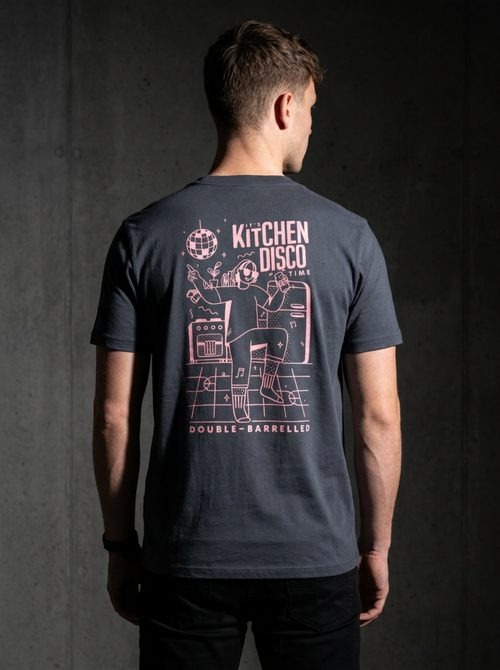
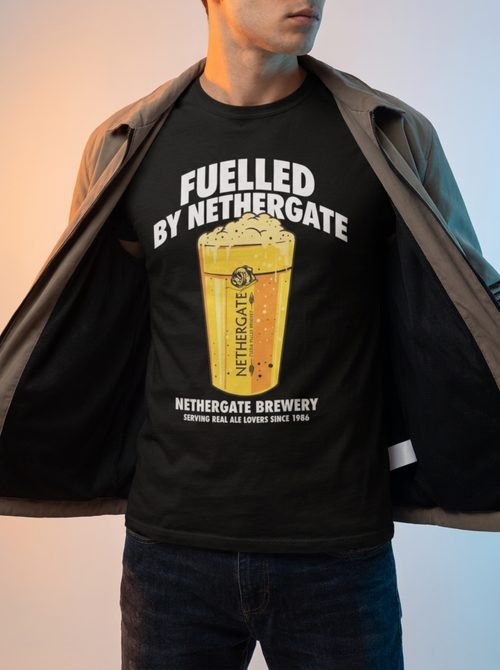
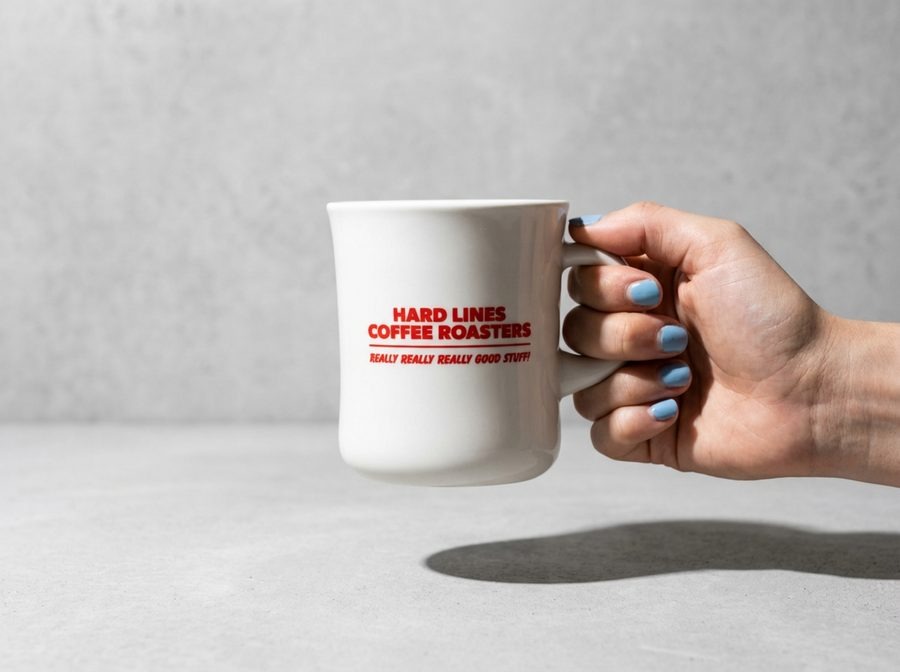
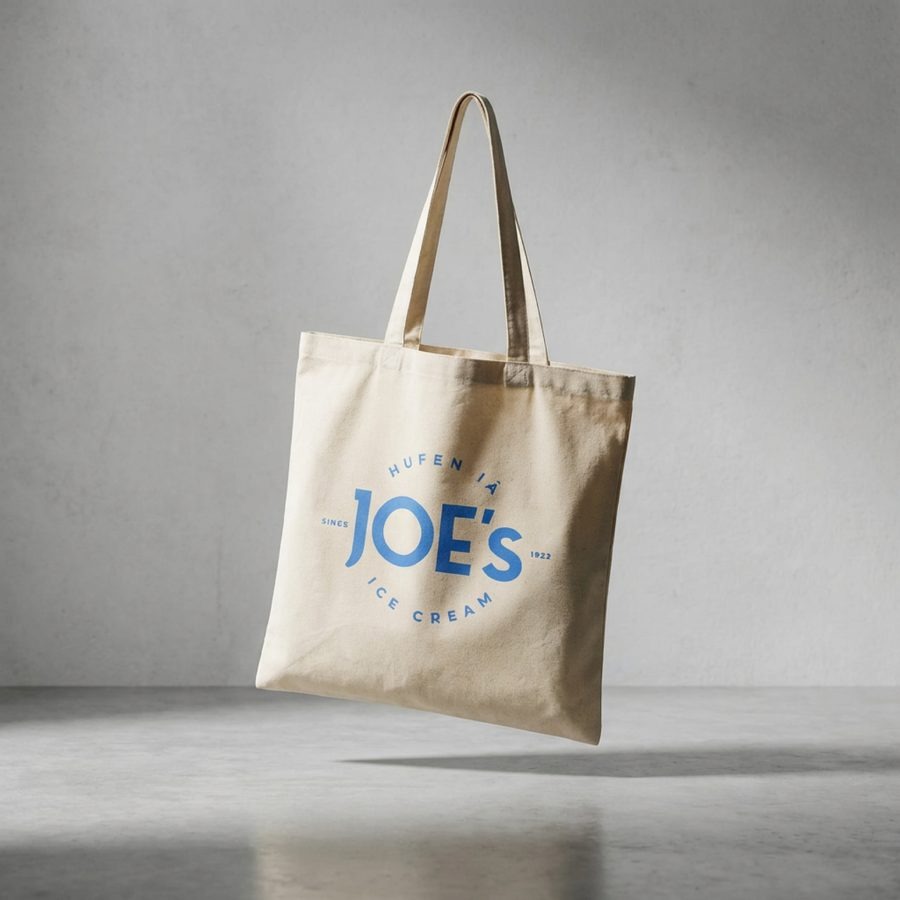
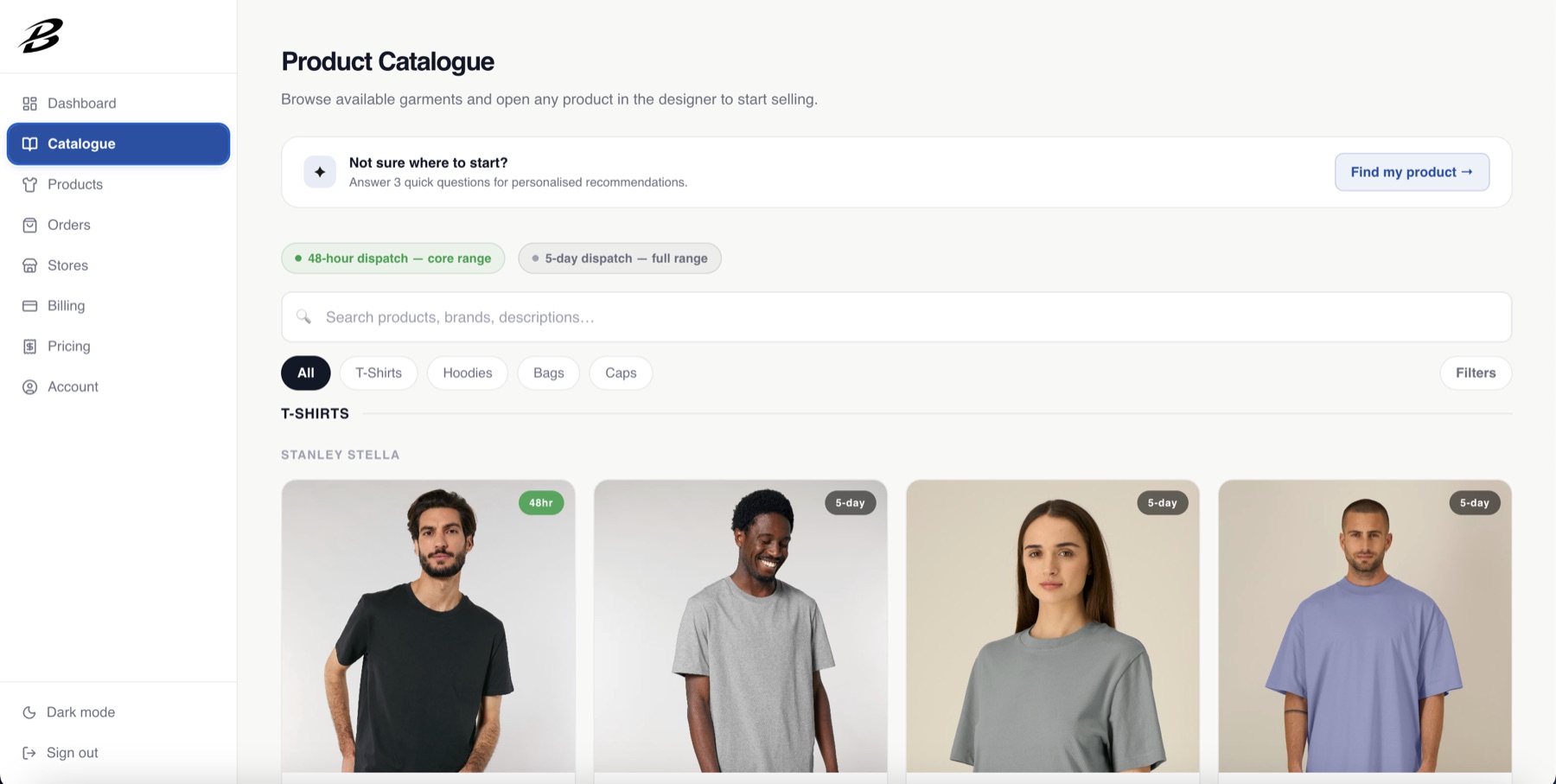
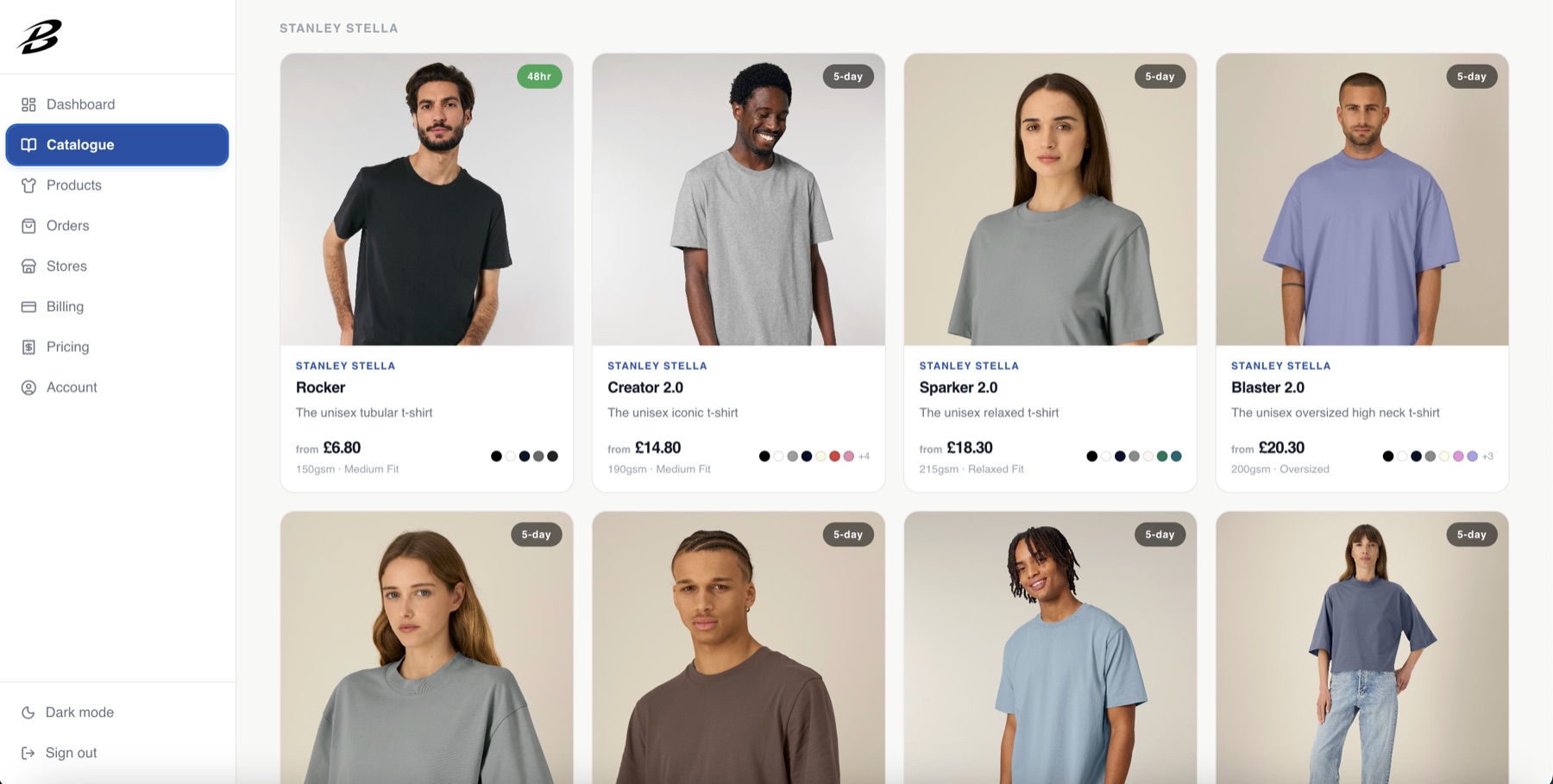
Most print-on-demand sites look the same — a blank shirt on a white background with a placeholder logo dropped on top. We took the opposite approach for Brandflow. Every product photograph on the site is a real customer's merch, shot in one consistent visual world, so the platform reads like a credible label that serious indie brands already work with — because, in real life, they do.
Real people, real customer artwork, moody side-lighting against concrete or coloured paper. We art-directed these to feel like a fashion campaign — never a stock catalogue page.
For hard goods and accessories we shot on matte black pedestals or pale concrete with single hard side-light. Same austerity, different surface — the language stays the same brand-wide.
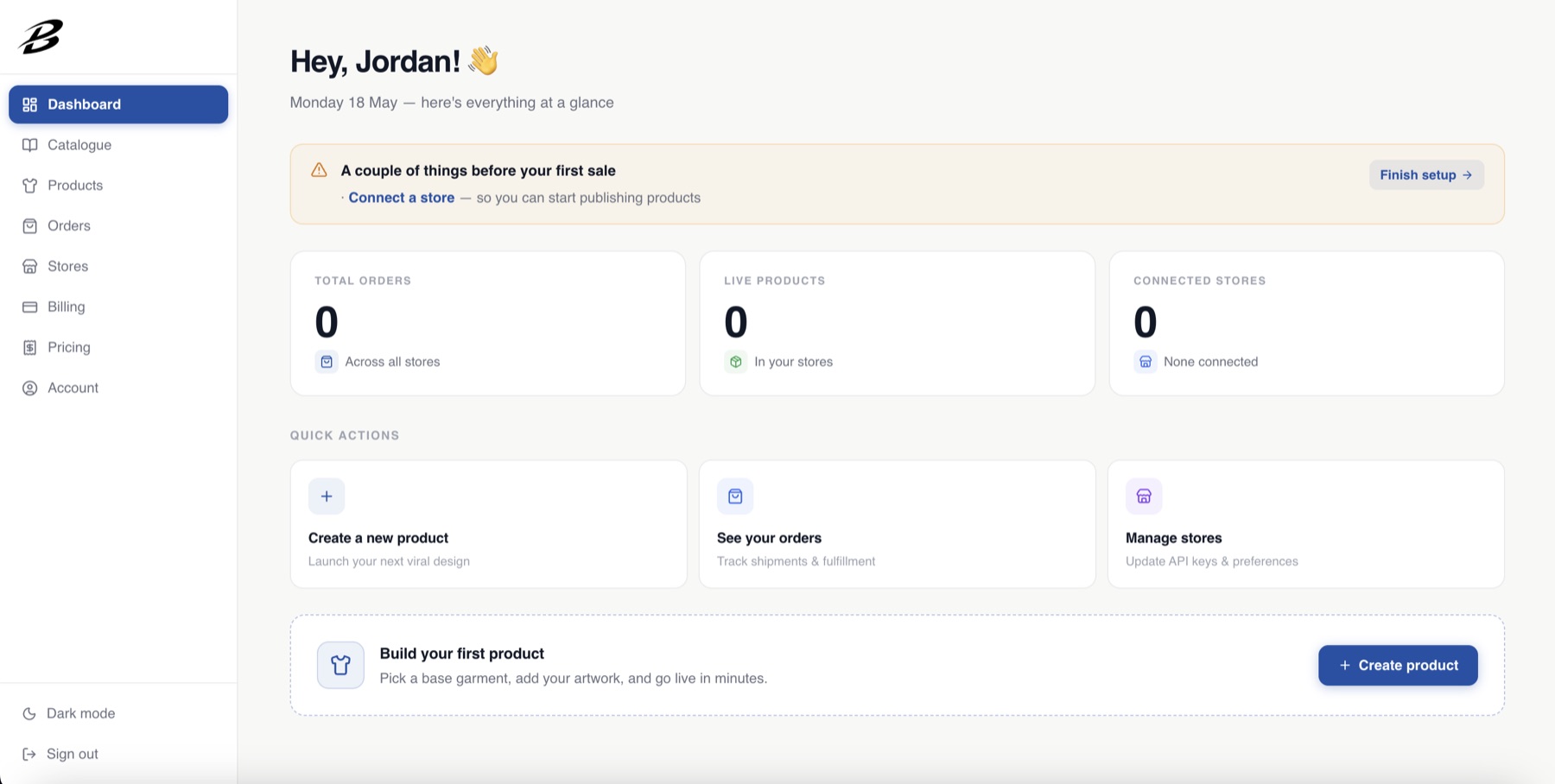
Most SaaS dashboards greet a new merchant with empty charts and zeroes. We flipped that — the banner up top points to the one missing step (connect a store) and the strip at the bottom nudges to the first product.
The same surface fills with real numbers once stores connect and products go live. No second screen, no migration.
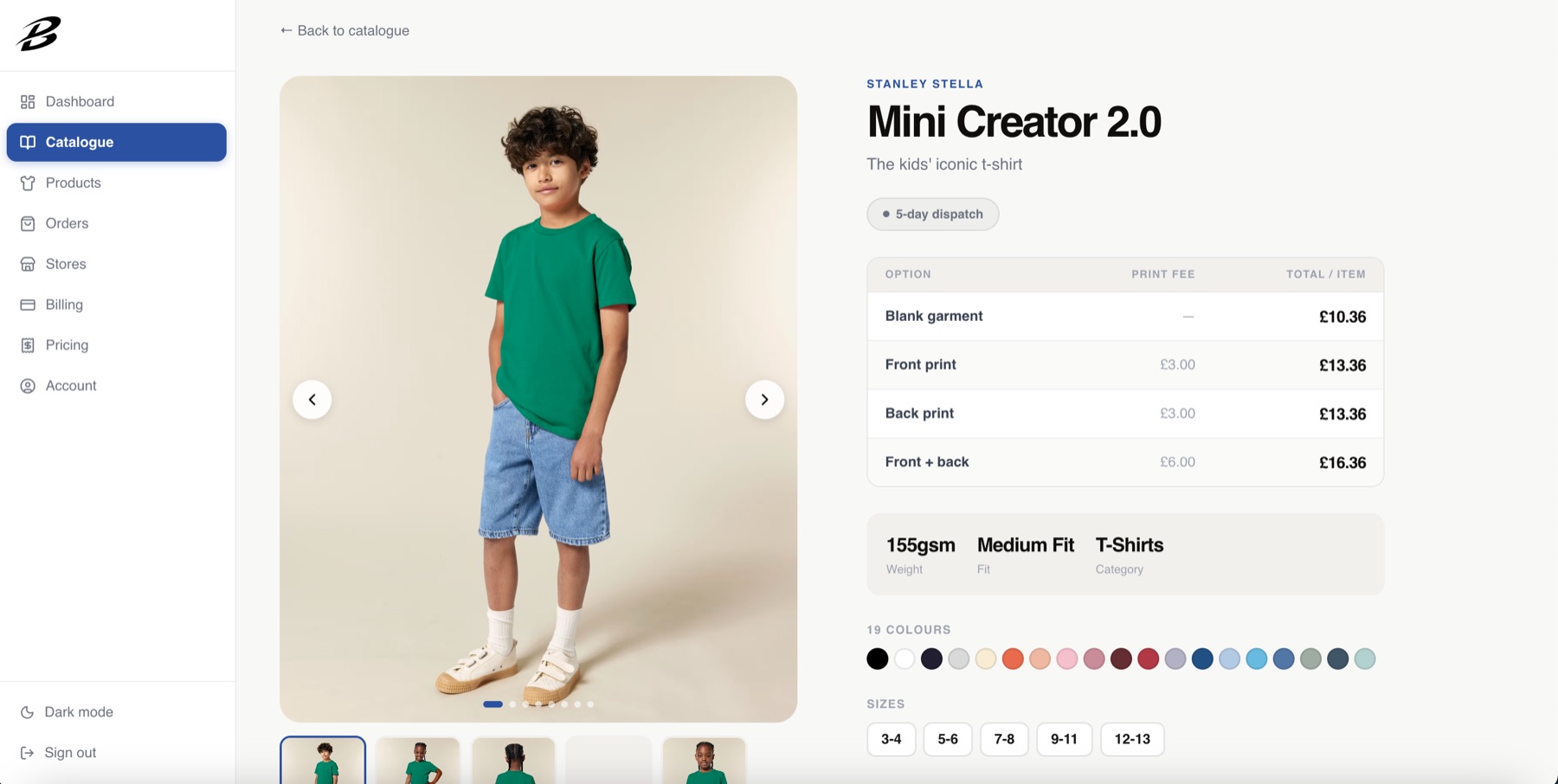
The hardest thing in print-on-demand is the surprise mark-up at checkout. We made the call to flip it — blank cost, front print, back print and front + back are listed on the right of every product, before the merchant has made a single decision.
A 19-colour swatch row and full size matrix sit underneath. No collapsing accordions. No "contact us for pricing".
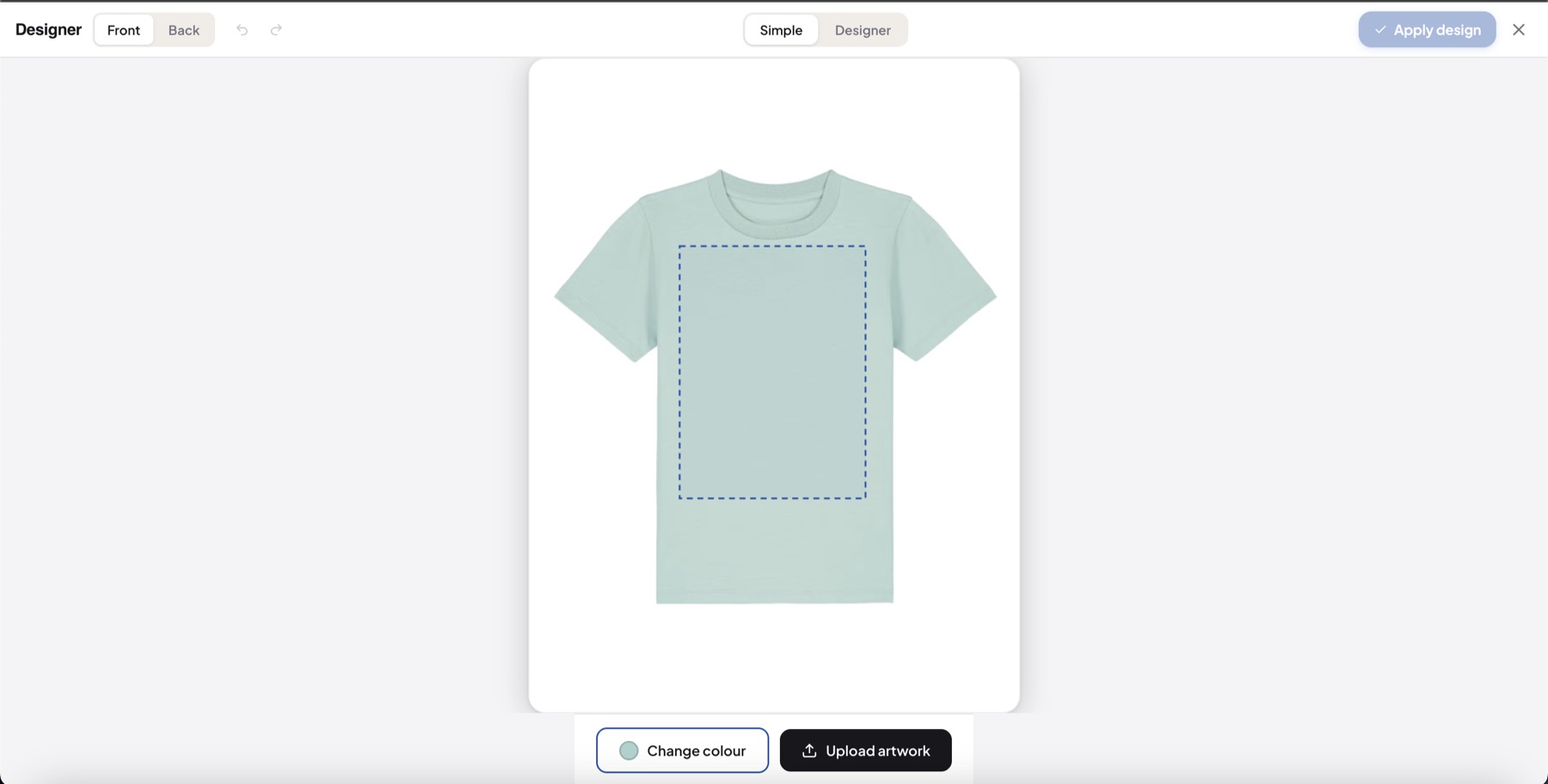
The hardest UX call we made on this project: most merchants just have a PNG of their logo. Showing them a Photoshop-style interface on day one causes them to bounce on the first session.
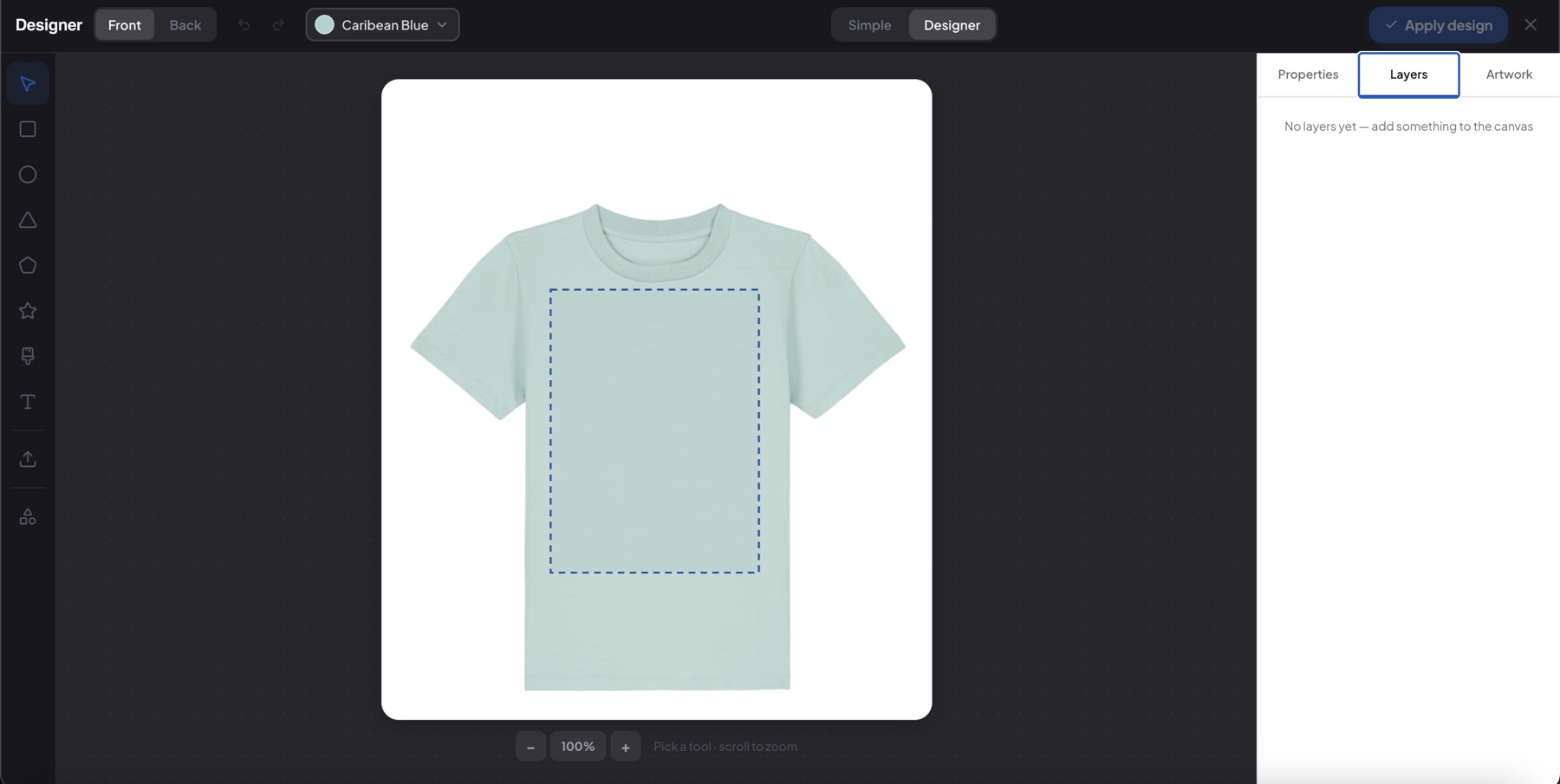
But the merchants who are designers want every slider, every blend mode, every layer. So we built two modes inside the same canvas — toggled in the header, with the same artwork shared between them. Same engine, two front ends, no compromise either way.
One garment, one print area, two buttons. Click Upload artwork and the logo is on the tee. Click Change colour to swap the colourway. We made that the entire interface.
A three-panel pro tool we designed from scratch — shape library on the left, Konva canvas in the middle, properties / layers / artwork tabs on the right. Same toggle, same canvas, same artwork stays in place when you flip.
We didn't want to ask merchants to switch storefronts. So we built Brandflow to connect to the two systems they already use — Shopify and WooCommerce — and made the publish flow push finished products live without ever leaving the dashboard.
We wrote the integration layer to handle the platform differences silently. Listings, variants, retail prices, every per-colourway photograph and the full size matrix — all generated by us, all synced. Webhooks then catch every incoming order in real time and route it straight to fulfilment.
We built it as a proper Shopify app — the merchant clicks Connect Shopify, approves on their store, and we have scoped API access. Hitting publish then creates the listing, variants and per-colourway images in a single call. Every incoming order pings us back via webhook the second it lands.
For WordPress shops we took a pair of WooCommerce REST keys and engineered the store to behave identically — the merchant never sees a different UI. Same designer, same publish button, same order pipeline. We hid the platform differences behind one abstraction so the merchant runs one workflow no matter which storefront they're on.
We hard-clipped the artwork layer to the printable zone using Konva's clipFunc. Drag a logo off the shirt and it physically can't render there. We used bounding-box clipping for rectangular zones and the actual SVG path for shaped items like keyrings — so the merchant can't make a "ruined at print" mistake we'd have to refund.
Konva.js · clipFunc · SVG path masksMost platforms send images to a server, charge per call, and bill the user. We made the call to keep it local — an ONNX neural network runs the entire background-removal model client-side in a Web Worker. Two seconds, no API key, no per-image fee, no upload. We lazy-load the ~30MB model only when the tool opens.
@imgly/background-removal · ONNX · WASMOn save we kick off an HTML canvas pipeline we wrote ourselves — it composites the artwork onto every selected colourway at 1260×1680, three times the design canvas, so Shopify's image scaler never has to upscale. The merchant clicks save once; we generate a full set of retina-crisp product shots, one per variant, in under a second.
HTML canvas · per-variant export · Supabase uploadVercel's serverless cap is 4.5MB per request — print-resolution artwork sails past that. So we wrote the upload path to issue signed URLs and push files straight from the browser into Supabase Storage, bypassing our own server entirely. Upload speed scales with the merchant's connection, not our API.
Supabase Storage · signed URLs · streamed upload